HORI Device Manager Vol. 2 App
Please note that the Wireless Fighting Commander OCTA Pro requires the HORI Device Manager Vol. 2 App to access the following functions:
- Profile Selection – Switch between and edit profiles
- Button Mapping – Assign functions to individual buttons and test button inputs
- Analog Stick Settings – Adjust the sensitivity of the LEFT and RIGHT analog sticks
- D-Pad Settings – Adjust D-Pad sensitivity, configure SOCD input settings, and enable/disable LEFT analog stick and button functions
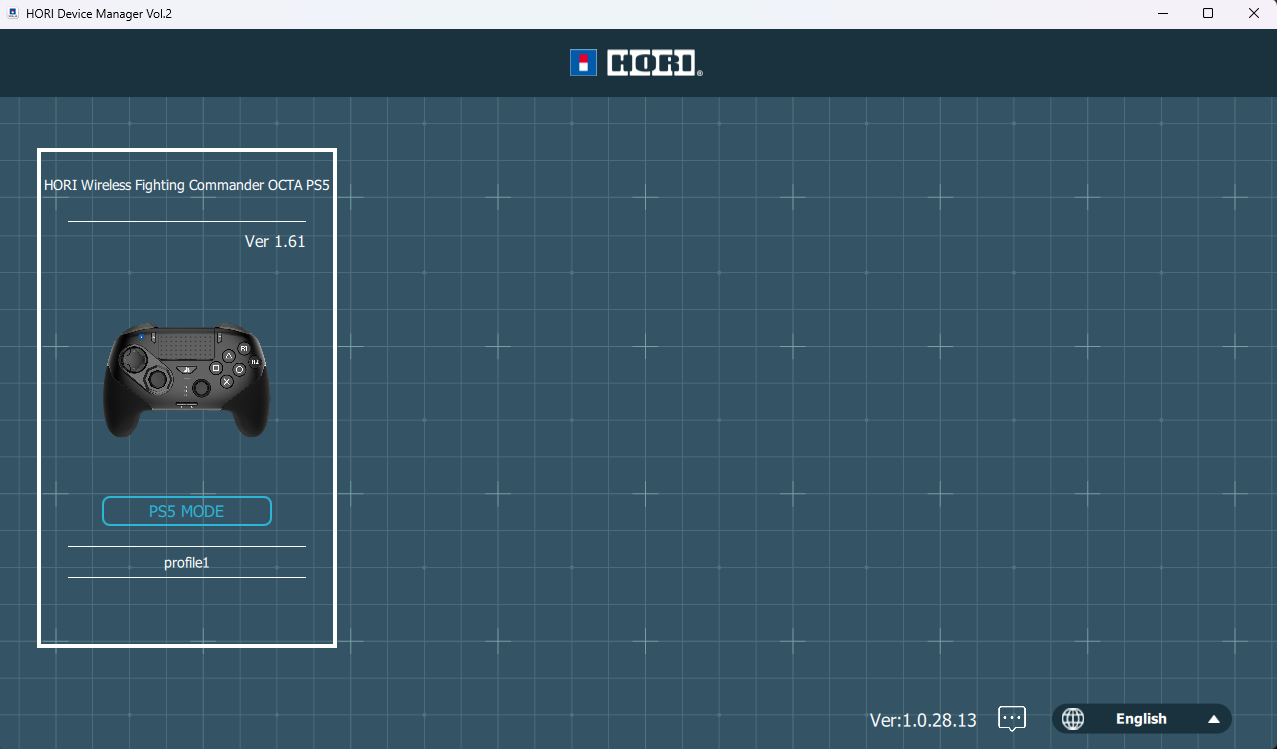
Download HORI Device Manager Vol. 2 / Firmware Update
The latest version of the HORI Device Manager Vol. 2 App is v1.0.28.13.
Please also make sure your controller is running the latest firmware. If you have not already done so, update the controller firmware to Ver. 1.61.
Troubleshooting
For D-Pad Input Issues
Please try the following adjustments:
- Reduce the sensitivity of the four diagonal D-Pad inputs as shown in the image below.
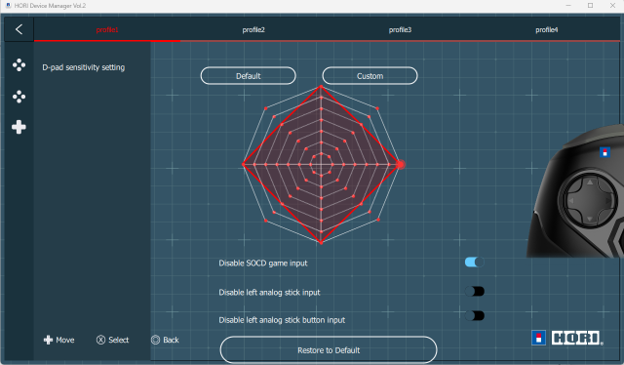
- Disable SOCD Game Input. This feature cancels simultaneous opposing directional inputs.
- Use the input test function to check whether diagonal D-Pad inputs are registering correctly.
- Adjust the D-Pad sensitivity settings as necessary until the desired input response is achieved.
Compatibility with Older Games
Please note that certain features and functions of our products are designed primarily for compatibility with current-generation games.
Some features used by modern games may function differently or may not be fully compatible with older, retro, or classic games.
This may be due to differences in game programming, technical requirements, or competitive-fairness standards implemented by game publishers and developers, including standards related to SOCD (Simultaneous Opposing Cardinal Directions) input handling.
Wireless Connectivity Issue / Battery Not Charging
If the Wireless Fighting Commander OCTA Pro is experiencing disconnection and/or the controller suddenly turns off, please try following steps:
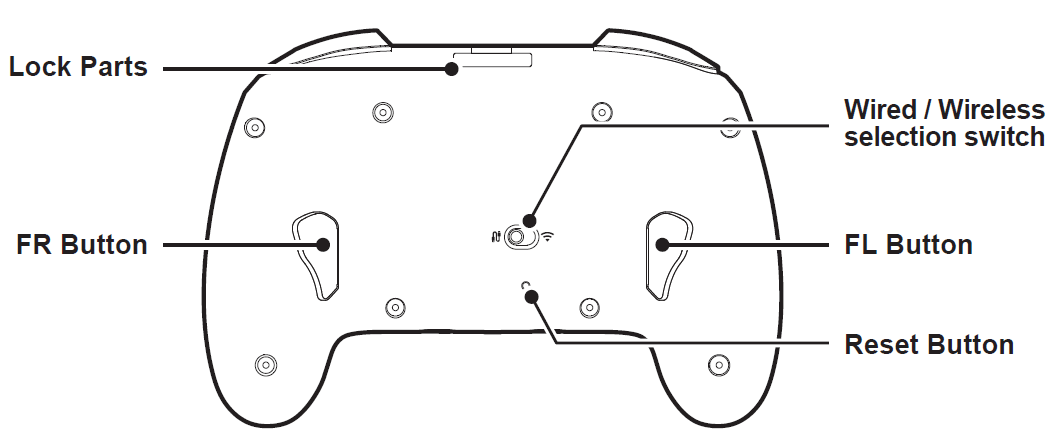
- Press the RESET button on the back of the controller with a thin stick or similar object (e.g. Paper clip). DO NOT USE SHARP NEEDLE. Doing so may scratch or damage the internal components.
- Connect your device to charging USB cable to charge your device. Please allow the controller to fully charge before using the device.
- Reconnect Wireless Fighting Commander OCTA Pro to your console via Wired or Wireless (Please refer to your instruction manual page 5-7 for details).
To Reconnect Your Controller
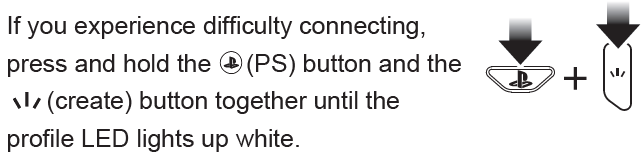
To reconnect your Wireless Fighting Commander OCTA Pro controller wirelessly, please try following: