Ace Combat 8: Wings of Theve™ Flight Stick FAQ Support

Important Notice Regarding PC Use

October 5, 2026

We have identified an issue where yaw input (controlled by twisting the stick) remains directed to the left when the “ACE COMBAT 8: WINGS OF THEVE™ Flight Stick for PlayStation®5, PlayStation®4, and Windows PC” is used in FLIGHT Mode on a PC.

We sincerely apologize for the inconvenience caused by this issue.

PC Input Modes

  • FLIGHT Mode: DirectInput — affected by this issue
  • PAD Mode: XInput — not affected

Although the input format differs between the two modes, there is no difference in gameplay or control functionality when playing ACE COMBAT 8: WINGS OF THEVE™.

Temporary Workaround

For PC users, please switch the mode selector on the back of the product to PAD Mode (XInput). The product can be used normally in this mode.

Upcoming Update

This issue is caused by the product’s firmware. We are currently preparing a firmware update to address the issue in DirectInput (FLIGHT Mode), which will be made available at a later date.

Until the firmware update is released, please use PAD Mode (XInput) when playing on a PC.

We apologize again for the inconvenience and thank you for your understanding and patience.

Having trouble with your controller? Support Page for Ace Combat 8: Wings of Theve™ Flight Stick


-Table of Contents-

Please select the topic below

Functionality

The product is not connected correctly
 
The (PS) button does not respond when pressed
 
The connection becomes lost intermittently
 
The product does not work with ACE COMBAT 8: WINGS OF THEVE™.

The PlayStation®5 / PlayStation®4 console does not turn on when the (PS) button is pressed, or Rest Mode cannot be exited

The stick or throttle does not operate correctly
 
The Assign (button assignment) function does not operate correctly
 
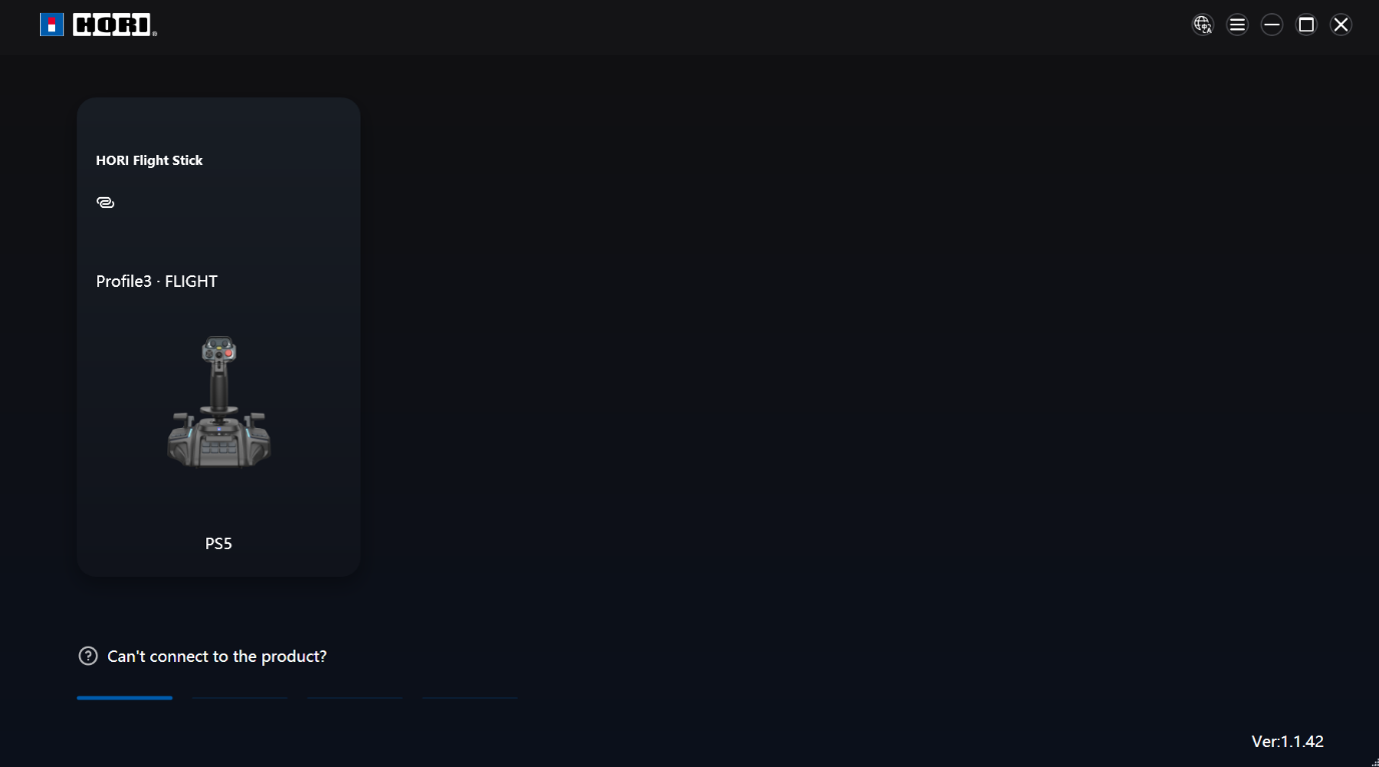
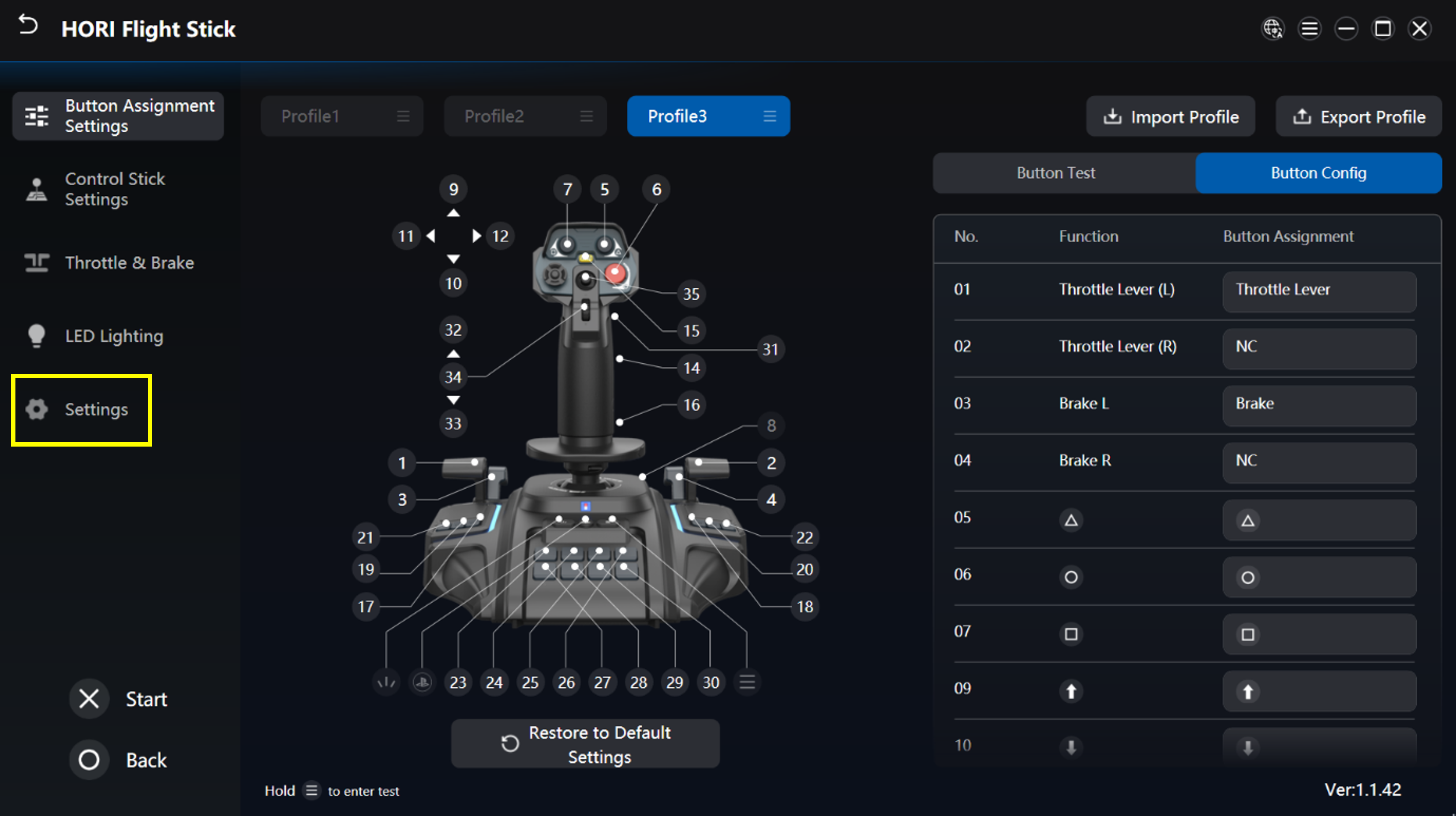
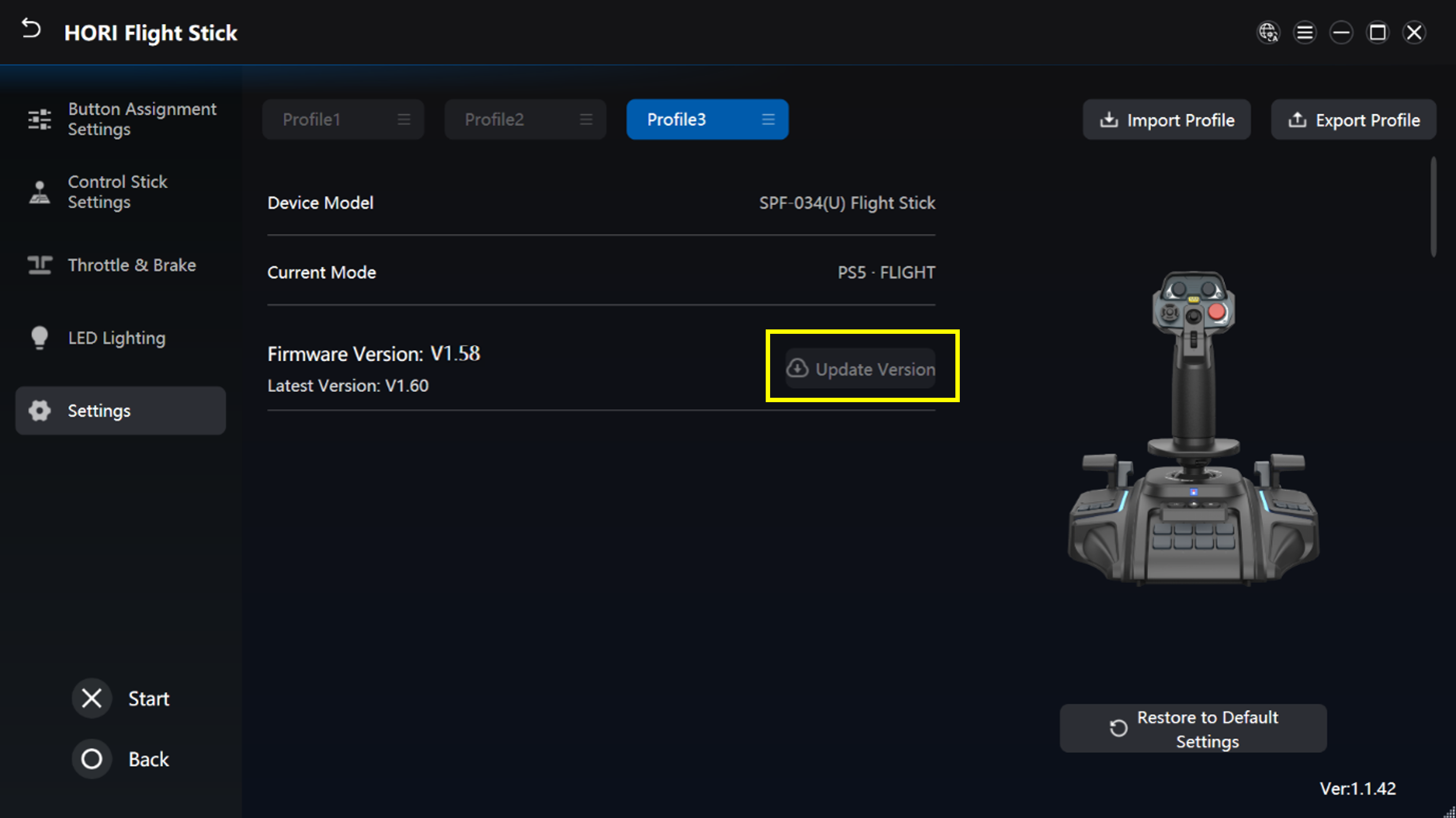
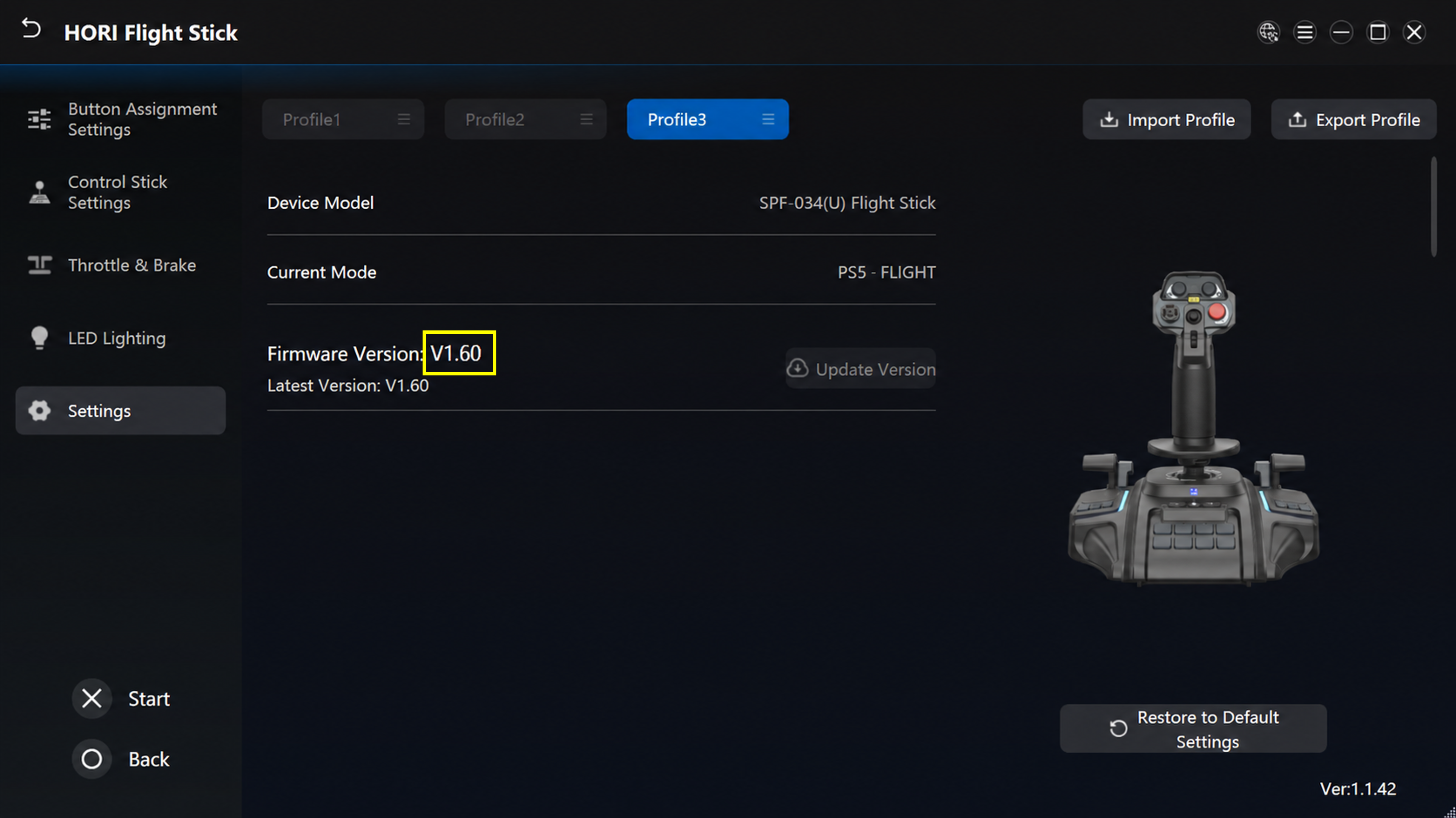
The product firmware update does not work correctly
 

Specifications and Features

What games are supported?
 
Can buttons be assigned and sensitivity adjusted?
 
Can the product be secured using screws?
 
How do I set up the Dual-Stick function?
 
How do the button functions change when using the Dual-Stick function?
 
Can the product be connected to and used with hardware platforms other than PlayStation®5, PlayStation®4, and PC? Can it be used?
 
When the issue isn't resolved through troubleshooting


The (PS) button does not respond when pressed

① Please set the hardware switch to the appropriate position before connecting the product to the hardware.
Changing the switch while the product is connected may cause unexpected behavior.


1. This product cannot be used on the initial setup screen immediately after purchasing the PlayStation®5 or PlayStation®4, or when all settings in the PlayStation®5 or PlayStation®4 have been initialized.
 
For PlayStation®5, use the DualSense® wireless controller to perform the initial setup.
 
For PlayStation®4, use the wireless controller (DUALSHOCK®4) to perform the initial setup.

2. Update the system software of the PlayStation®5 and PlayStation®4 to the latest version.

Back to top ↑

When the issue is not resolved through troubleshooting

Please contact us through our customer support page if the issue persists.

Back to top ↑


The actual product may differ slightly from the photographs and illustrations shown.
Please note that the specifications and appearance of this product are subject to change without notice for improvement purposes.

, “PlayStation”, “PS5”, “PS4”, “DualSense”, and “DUALSHOCK” are registered trademarks or trademarks of Sony Interactive Entertainment Inc.

All other trademarks are the property of their respective owners.

Manufactured and sold under licence from Sony Interactive Entertainment Inc. or its affiliates.

ACE COMBAT 8: WINGS OF THEVE™ & ©Bandai Namco Entertainment Inc.

USB Type-C is a trademark of USB Implementers Forum.