
Newest App Ver.
Ver. 1.1.42 -> 1.1.52
*Please ensure that the version is updated within the app.
Relevant products
SPF-050U NOLVA-Reactor for PlayStation 5
SPF-034U ACE COMBAT 8: WINGS OF THEVE™ Flight Stick for PlayStation 5
How to update firmware
1. Click the link below to download the firmware update file.
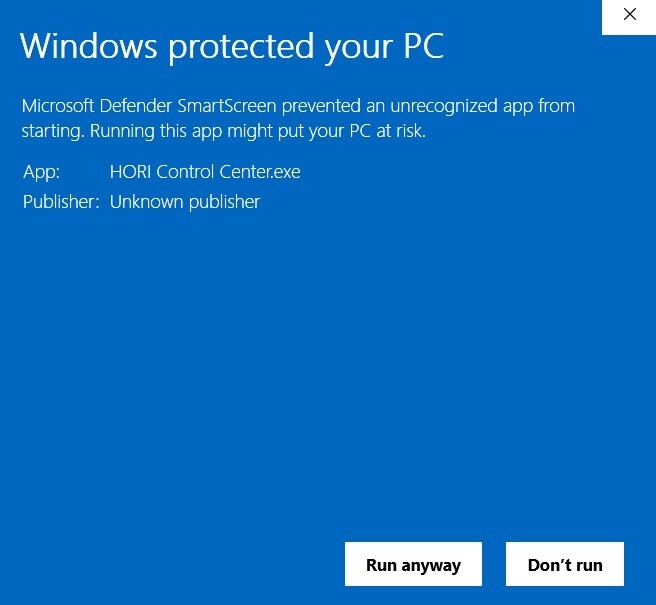
2. Click to run the downloaded file and install "HORI Control Center".
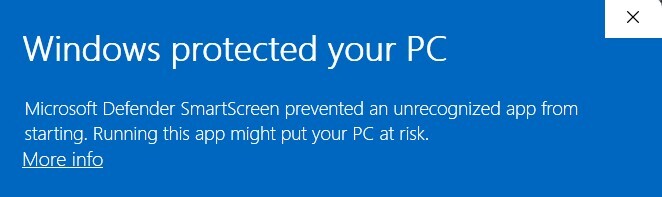
・Please select "More into" and then "Run anyway" when launching the exe file.
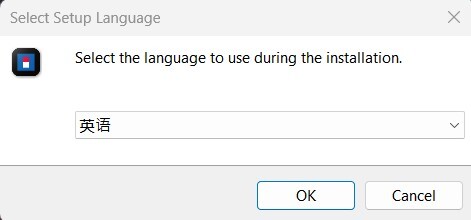
3. Select the language to English.
4. When launching the app for the first time, please make sure to update it before use.
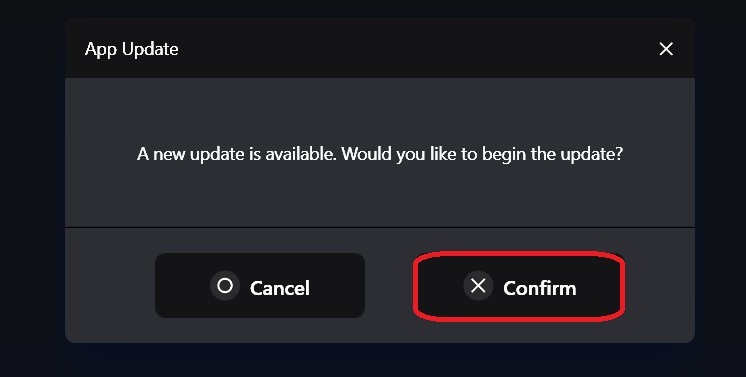
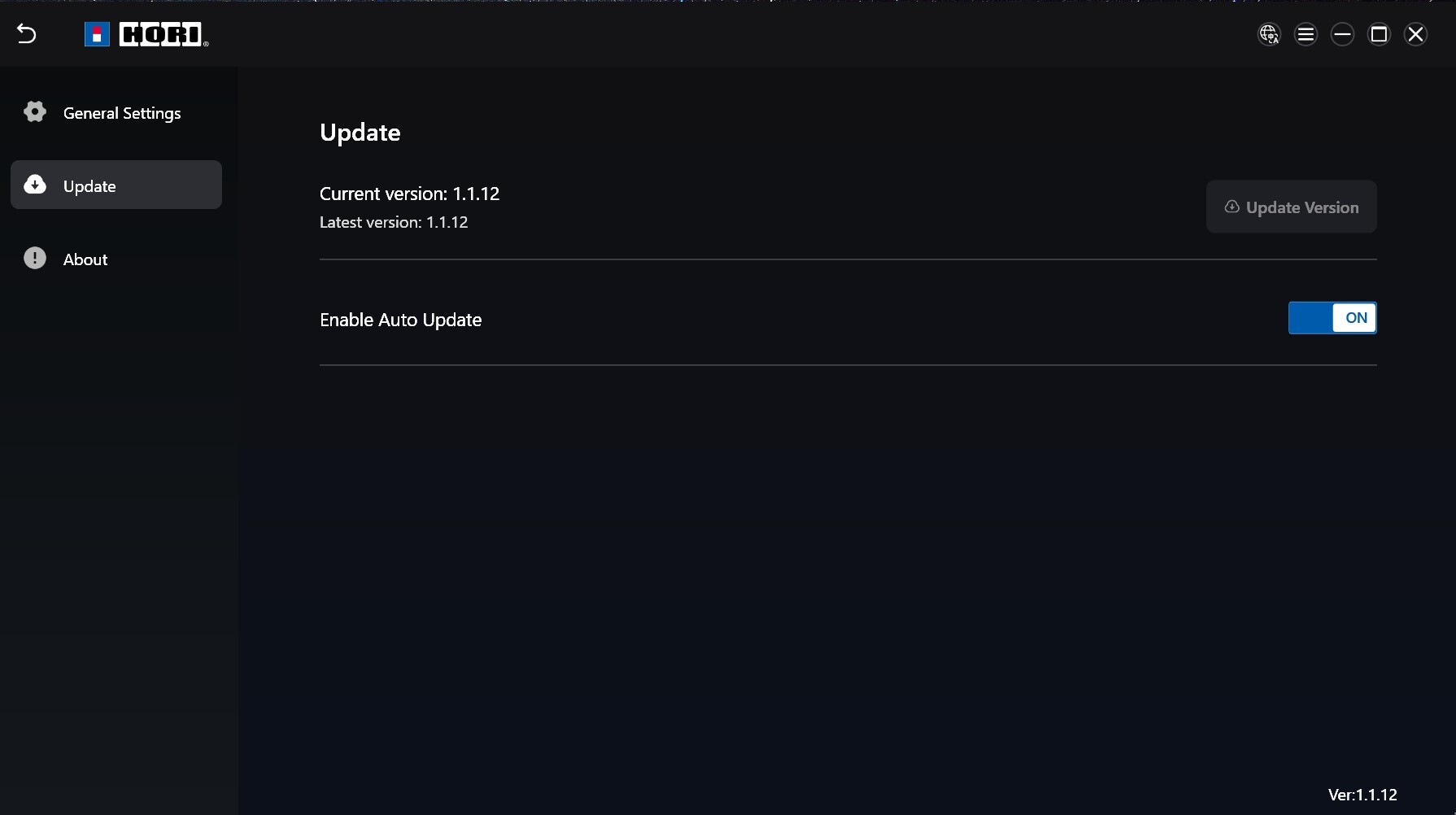
5. After the app update, please make sure to enable the auto update. To enable, click the hamburger menu icon  on the top right and go to Update.
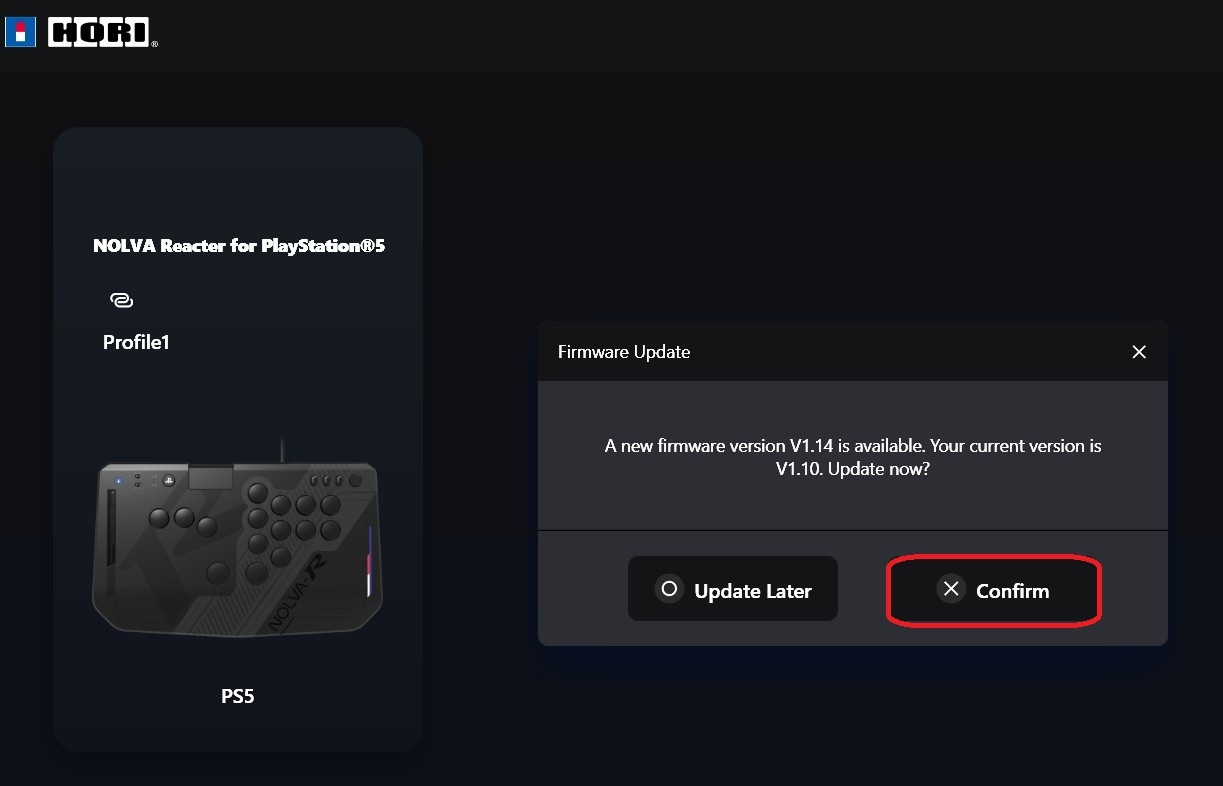
6. Connect your device to your PC using the included USB‑C cable. Select the device on screen, then click “Confirm” to begin the update.
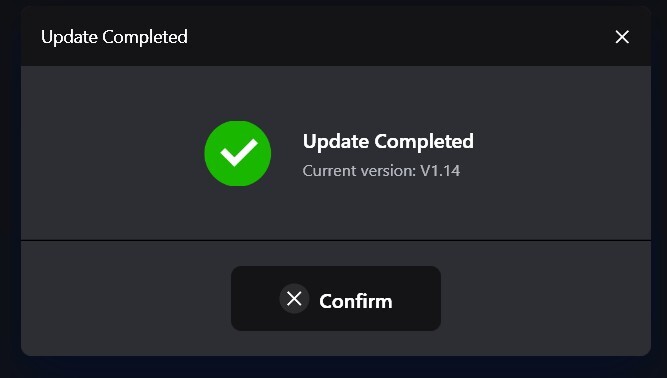
7. Device update is done. Click the "Confirm" button to go to the main menu.
Support
If the app unexpectedly closes during update, please try the following.
1. If you are using a USB hub, please connect the controller directly to the PC.
2. Disconnect all other USB devices, restart the app, and run the update.
3. Close all other running programs (Google, etc.), restart the app, and run the update.
4. If you have a security software installed on your PC, please temporarily pause it, restart the HORI Device Manager App, and perform the update.
If the problem still persists, please contact us via info@horiusa.com.